Tag it once. Hear what it is, every time.
Stick an NFC tag or a printed QR label on anything — a door, a medicine box, a jacket. Give it a name. Later, tap or scan to hear it read aloud. No app needed to read a tag.
qVISION for iPhone
Download the qVISION app from the App Store to create and manage your tags. Reading a tag works on any phone, without the app.

How it works
Write an NFC sticker, print a QR label, or use the barcode a product already has. Give it a name in your own words.
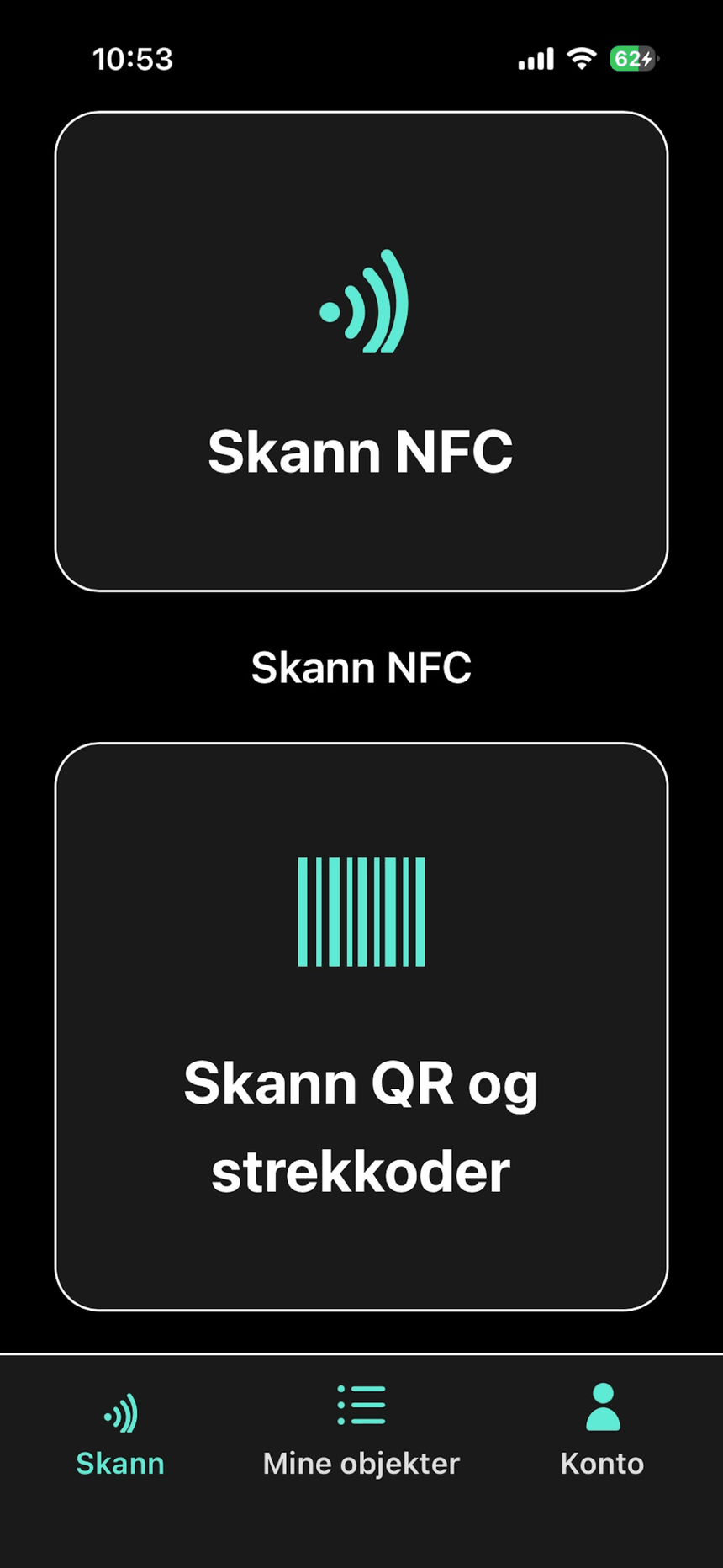
“Scan tag” reads NFC. “Scan with camera” reads QR codes and barcodes. The name is spoken as soon as it is found.
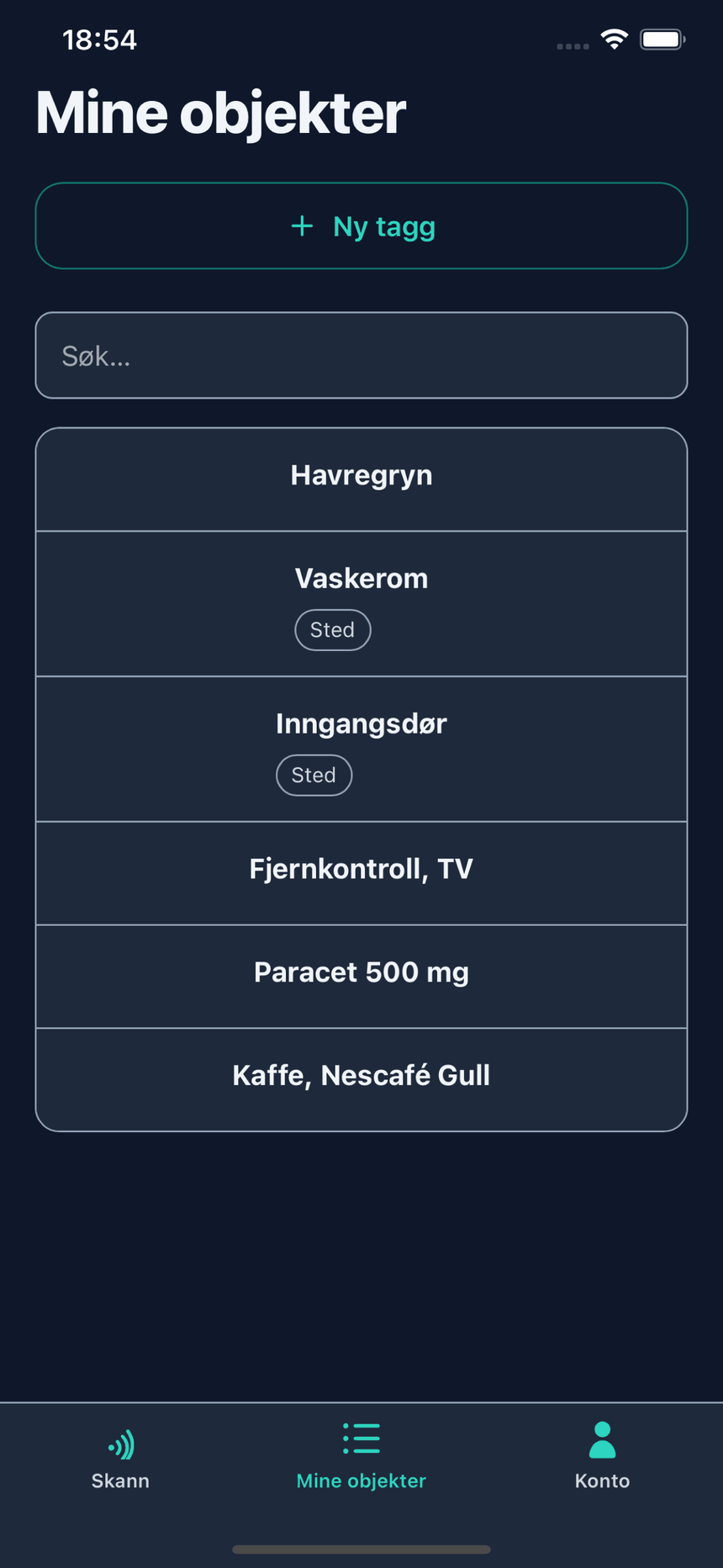
Tap “Where is…” and type a name. qVISION reads back where you put it, up to three matches in one answer.
On iPhone, hands-free: “Scan a tag with Vision”, “Vision, where are my keys”. You say Vision; the app is written qVISION.
What's included
Save a person with a photo, a relation and a short note. Scan their badge to hear who it is. Always private.
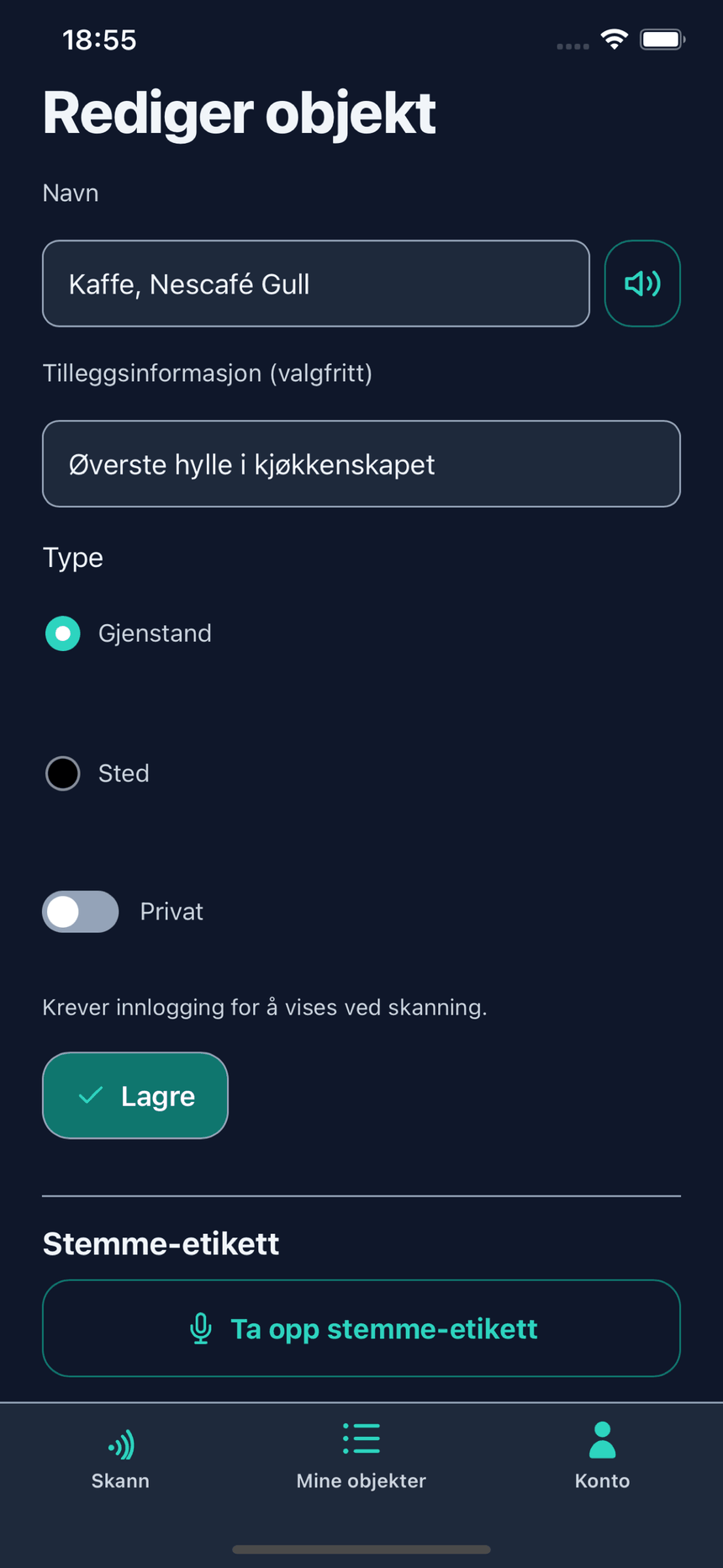
Record the name yourself and hear that instead of the synthetic voice, on any object.
Invite someone you trust to name things for you and answer your requests from their own phone.
Beyond that, 149 NOK a month covers up to 200. Reading a tag never costs anything.
qVISION on the phone
Three screens from the iPhone app — the scan home, your list of tagged objects, and what a single tag holds.